Video to GIF Converter

Turn screen recordings, gameplay highlights, and short MP4 or WebM clips into crisp looping GIFs without uploading your video to an external server. Pick your exact start timestamp, duration, pixel width, and frame rate.

Output Width
Frame Rate

How to Use Video to GIF Converter in Three Steps

Fast, private, watermark-free GIF89a output directly inside modern desktop and mobile browsers.

1

Select an MP4, WebM, or MOV video clip

Drop any browser-playable video up to 30 MB—your file stays inside your browser tab.

2

Choose start second, clip length, width, and FPS

Trim between 0.2 and 15 seconds and select 240 px, 360 px, 480 px, or 720 px width.

3

Convert and download your looping GIF

Preview the finished GIF89a animation immediately and save it watermark-free.

Sample Exact Moments Directly in Your Browser

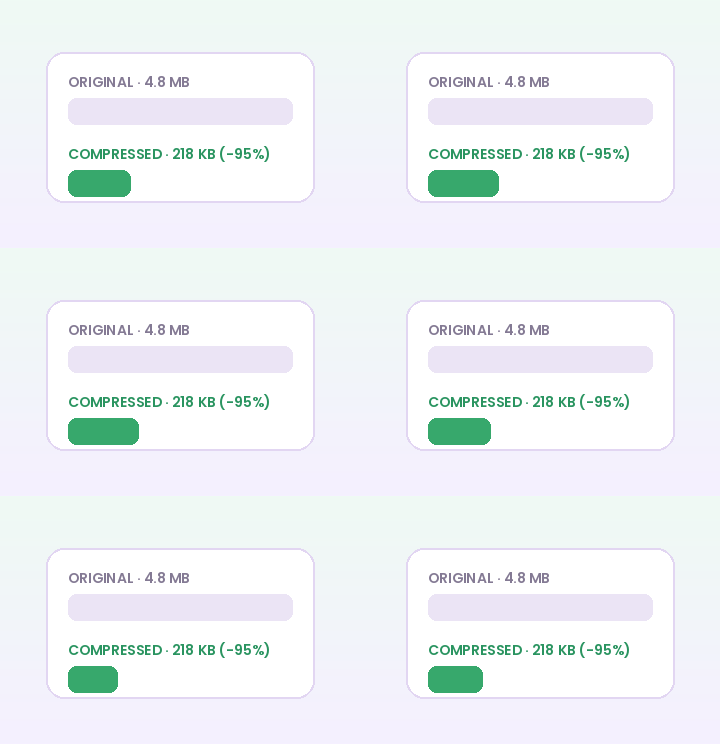
Uploading a 50 MB screen recording just to extract a 3-second UI interaction wastes time and exposes private product footage. GifQuill seeks your video locally using HTML5 media decoding and encodes only the exact seconds you select.

Sample Exact Moments Directly in Your Browser

Balance Smoothness and File Weight with Width + FPS

A 480 px wide clip at 10 FPS captures clean software demos and reaction moments at a fraction of the byte size of 720 px at 20 FPS. Dial both settings before clicking Create GIF so your export fits GitHub PRs, Notion docs, or Discord immediately.

Balance Smoothness and File Weight with Width + FPS

Recommended GIF Dimensions, FPS & Size Targets by Platform

Matching pixel geometry, frame rate, and palette size to your destination platform prevents blurry server re-compression, black transparency fringes, and rejected uploads across chat apps and documentation tools:

Destination PlatformIdeal DimensionsRecommended FPSPalette & Size Target
Discord Custom Animated Emoji128×128 or 160×160 px (1:1)10–12 FPS96–128 colors · Under 256 KB
Discord & Slack Chat Stickers320×320 px (1:1 transparent)10–15 FPS128–192 colors · Under 500 KB
GitHub Pull Requests & Docs480–640 px wide (16:9 / 4:3)8–12 FPS128 colors · Under 2 MB
Social Reaction Memes & Replies360–480 px square or 4:512–15 FPS192–256 colors · Under 1.5 MB
Email Newsletters & Changelogs480–600 px wide8–10 FPS96–128 colors · Under 800 KB

Every export created on GifQuill uses standard compliant GIF89a Netscape 2.0 infinite looping blocks, local median-cut quantization, and zero corner watermarks so files play immediately in desktop browsers, iOS, Android, Slack, Discord, Notion, and GitHub.

Frequently Asked Questions About Video to GIF

Are my video files uploaded to a remote server?

No. Video decoding, frame sampling, color quantization, and GIF89a encoding run 100% locally in your browser.

What clip duration works best for Video to GIF?

Clips between 1.5 and 6 seconds make the best looping GIFs. GifQuill supports segments from 0.2 up to 15 seconds per export.

Does GIF keep audio from my MP4?

No—the GIF89a image format is silent by specification and never contains an audio track.

Which video formats are supported?

Any video codec your browser plays natively, including H.264 MP4, WebM (VP8/VP9), and MOV on Safari/Chrome.