GIF to Video Converter

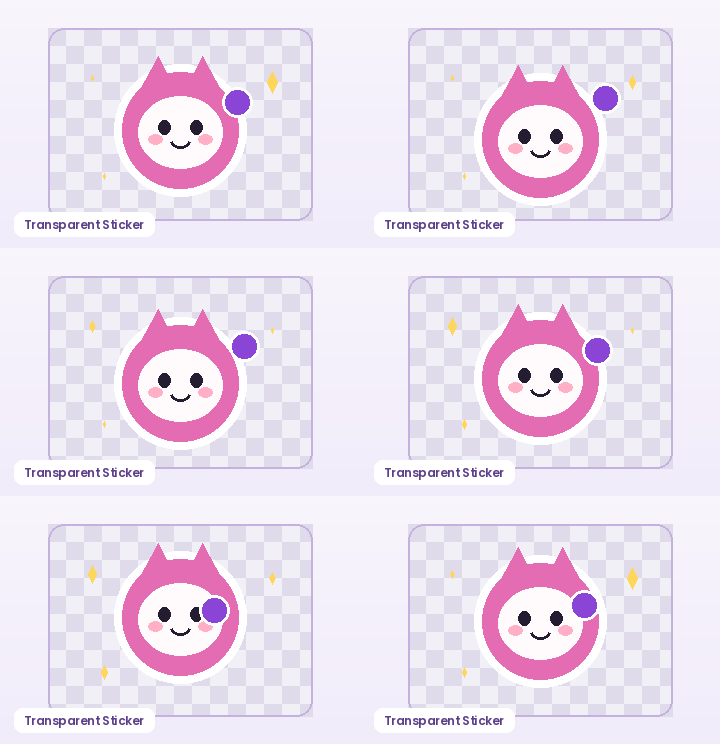
Need a video file for social feeds, presentation decks, or web `<video autoplay loop muted>` embeds? Convert any animated GIF into a compact MP4 or WebM clip right inside your browser, with custom backdrop color support for transparent stickers.

How to Use GIF to Video Converter in Three Steps

Fast, private, watermark-free GIF89a output directly inside modern desktop and mobile browsers.

1

Upload your animated GIF

Drop your file or load our built-in sample animation.

2

Pick a background color for transparent pixels

Default `#FFFFFF` suits light pages; pick dark slate `#181421` for dark UI themes.

3

Encode and download video

Your browser encodes MP4 (where supported by your browser's MediaRecorder) or WebM locally.

Why Social Feeds and Modern Websites Prefer Video Clips

Instagram reels/posts, video editors, and performance-focused landing pages often reject `.gif` uploads or benefit from hardware-accelerated video playback. Converting your loop produces a clean silent video clip ready for timeline import or web embedding.

Why Social Feeds and Modern Websites Prefer Video Clips

Clean Backdrop Compositing for Transparent Stickers

Standard video codecs do not use 1-bit GIF palette transparency. Choose any hex background color—white, dark slate, or brand purple—so transparent sticker edges composite cleanly with zero black fringe.

Clean Backdrop Compositing for Transparent Stickers

Recommended GIF Dimensions, FPS & Size Targets by Platform

Matching pixel geometry, frame rate, and palette size to your destination platform prevents blurry server re-compression, black transparency fringes, and rejected uploads across chat apps and documentation tools:

Destination PlatformIdeal DimensionsRecommended FPSPalette & Size Target
Discord Custom Animated Emoji128×128 or 160×160 px (1:1)10–12 FPS96–128 colors · Under 256 KB
Discord & Slack Chat Stickers320×320 px (1:1 transparent)10–15 FPS128–192 colors · Under 500 KB
GitHub Pull Requests & Docs480–640 px wide (16:9 / 4:3)8–12 FPS128 colors · Under 2 MB
Social Reaction Memes & Replies360–480 px square or 4:512–15 FPS192–256 colors · Under 1.5 MB
Email Newsletters & Changelogs480–600 px wide8–10 FPS96–128 colors · Under 800 KB

Every export created on GifQuill uses standard compliant GIF89a Netscape 2.0 infinite looping blocks, local median-cut quantization, and zero corner watermarks so files play immediately in desktop browsers, iOS, Android, Slack, Discord, Notion, and GitHub.

Frequently Asked Questions About GIF to Video

Does this export MP4 or WebM?

GifQuill automatically selects `video/mp4` (H.264) on browsers whose native `MediaRecorder` supports MP4 container recording (such as modern Chrome/Safari) and falls back cleanly to `video/webm` (VP9/VP8) where MP4 recording is not exposed.

What happens to ultra-short 0.5-second GIFs?

Social players often reject sub-1-second videos, so GifQuill automatically records two seamless cycles when a source GIF is shorter than 0.9 seconds.