Anime GIF Maker

Craft expressive cel-shaded winks, head tilts, and reaction loops for Discord servers, VTuber communities, and fandom threads. Animate an existing anime illustration immediately in your browser or prepare structured character loop prompts.

Sheet Layout
Loop Speed & Background

100% free local browser GIF89a export · Zero watermark.

How to Use Anime GIF Maker in Three Steps

Fast, private, watermark-free GIF89a output directly inside modern desktop and mobile browsers.

1

Upload character art or draft an anime prompt

Start with your own PNG/WebP illustration for instant motion, or use an Anime style prompt template.

2

Choose aspect ratio and 10–15 FPS timing

Pick 1:1 for server emojis and avatars or 16:9 for reaction banners.

3

Export watermark-free anime GIF

Download your finished loop directly from your browser.

Keep Cel-Shaded Line Art Crisp at 128–192 GIF Colors

Anime illustrations rely on clean ink outlines and flat cel-shading bands—making them naturally suited to the 256-color GIF89a palette. Avoiding heavy film grain or smoky background gradients keeps anime loops razor-sharp at compact file weights.

Keep Cel-Shaded Line Art Crisp at 128–192 GIF Colors

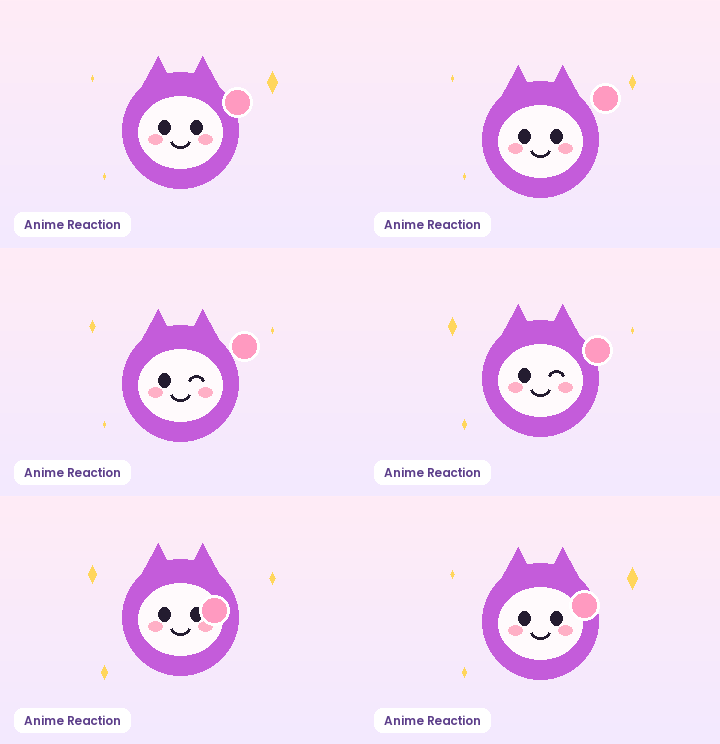
Focus on Micro-Expressions: Blinks, Winks, and Waves

In a 1-to-2 second anime reaction GIF, subtle gestures read better than full-body camera swings. A cheerful wink, a sweat-drop shrug, or an enthusiastic double wave communicates emotion immediately at chat thumbnail sizes.

Focus on Micro-Expressions: Blinks, Winks, and Waves

Animate Your Existing Character Art or Slice Sprite Sheets

Have a PNG of your OC or VTuber mascot? Use the Instant Character Motion mode or Sprite Sheet Slicer right here in the browser to export a looping GIF with zero watermark.

Animate Your Existing Character Art or Slice Sprite Sheets

Recommended GIF Dimensions, FPS & Size Targets by Platform

Matching pixel geometry, frame rate, and palette size to your destination platform prevents blurry server re-compression, black transparency fringes, and rejected uploads across chat apps and documentation tools:

Destination PlatformIdeal DimensionsRecommended FPSPalette & Size Target
Discord Custom Animated Emoji128×128 or 160×160 px (1:1)10–12 FPS96–128 colors · Under 256 KB
Discord & Slack Chat Stickers320×320 px (1:1 transparent)10–15 FPS128–192 colors · Under 500 KB
GitHub Pull Requests & Docs480–640 px wide (16:9 / 4:3)8–12 FPS128 colors · Under 2 MB
Social Reaction Memes & Replies360–480 px square or 4:512–15 FPS192–256 colors · Under 1.5 MB
Email Newsletters & Changelogs480–600 px wide8–10 FPS96–128 colors · Under 800 KB

Every export created on GifQuill uses standard compliant GIF89a Netscape 2.0 infinite looping blocks, local median-cut quantization, and zero corner watermarks so files play immediately in desktop browsers, iOS, Android, Slack, Discord, Notion, and GitHub.

Frequently Asked Questions About Anime GIF Maker

Can I animate my own drawn anime PNG right now?

Yes! Switch to the Sprite Sheet Slicer tab or open Image to GIF to apply immediate cyclic bounce, wave, or shake loops to your PNG locally.

Why is Anime style preselected on this workspace?

This workspace pre-loads cel-shaded style presets and expression-focused prompt structures tailored to illustrated characters.

How do I keep pastel hair gradients from banding in a GIF?

Export at 192 or 256 colors and keep the background simple so almost the entire color table is dedicated to your character's hair, eyes, and shading.