Animated GIF Cropper

Trim unwanted black bars, browser chrome, or empty margins off an animated GIF while keeping every frame aligned. Preview your crop box live over the animation and export in seconds.

Aspect Ratio Preset

How to Use Animated GIF Cropper in Three Steps

Fast, private, watermark-free GIF89a output directly inside modern desktop and mobile browsers.

1

Upload your animated GIF

Load your file to view its pixel dimensions and live crop overlay.

2

Choose 1:1, 16:9, 9:16, or custom bounds

Watch the dashed purple crop guide update live over your preview.

3

Apply crop and download

Export a crisp, smaller animated GIF with original frame speeds intact.

One Crop Rectangle Applied Cleanly Across All Frames

Because many GIFs store offset delta rectangles per frame, naive cropping breaks frame alignment. GifQuill first composites every frame onto the full canvas, then slices your exact rectangle cleanly across the entire timeline.

One Crop Rectangle Applied Cleanly Across All Frames

Instant 1:1 Emoji, 16:9 Banner, and 9:16 Story Presets

Click 1:1 to center-crop any widescreen reaction clip into a square Discord emoji or Slack avatar, or fine-tune Left, Top, Width, and Height percentages with live dashed-border feedback.

Instant 1:1 Emoji, 16:9 Banner, and 9:16 Story Presets

Recommended GIF Dimensions, FPS & Size Targets by Platform

Matching pixel geometry, frame rate, and palette size to your destination platform prevents blurry server re-compression, black transparency fringes, and rejected uploads across chat apps and documentation tools:

Destination PlatformIdeal DimensionsRecommended FPSPalette & Size Target
Discord Custom Animated Emoji128×128 or 160×160 px (1:1)10–12 FPS96–128 colors · Under 256 KB
Discord & Slack Chat Stickers320×320 px (1:1 transparent)10–15 FPS128–192 colors · Under 500 KB
GitHub Pull Requests & Docs480–640 px wide (16:9 / 4:3)8–12 FPS128 colors · Under 2 MB
Social Reaction Memes & Replies360–480 px square or 4:512–15 FPS192–256 colors · Under 1.5 MB
Email Newsletters & Changelogs480–600 px wide8–10 FPS96–128 colors · Under 800 KB

Every export created on GifQuill uses standard compliant GIF89a Netscape 2.0 infinite looping blocks, local median-cut quantization, and zero corner watermarks so files play immediately in desktop browsers, iOS, Android, Slack, Discord, Notion, and GitHub.

Frequently Asked Questions About GIF Cropper

Does cropping an animated GIF also reduce file size?

Yes—removing outer margins reduces total pixel area on every frame, which almost always lowers final KB size.

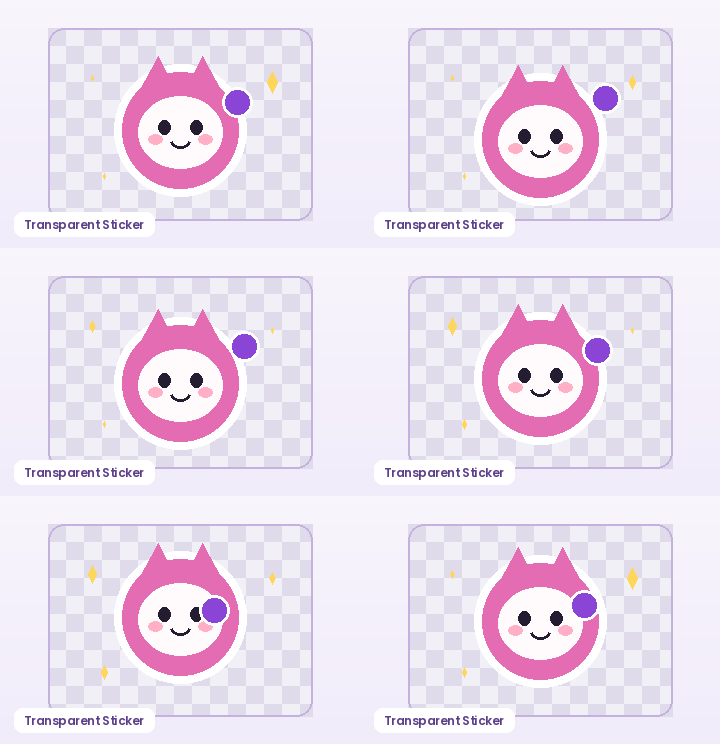
Will transparency be preserved when cropping a transparent sticker GIF?

Yes. Composited RGBA alpha values inside your crop rectangle are preserved in the exported GIF89a file.