Transparent GIF Maker

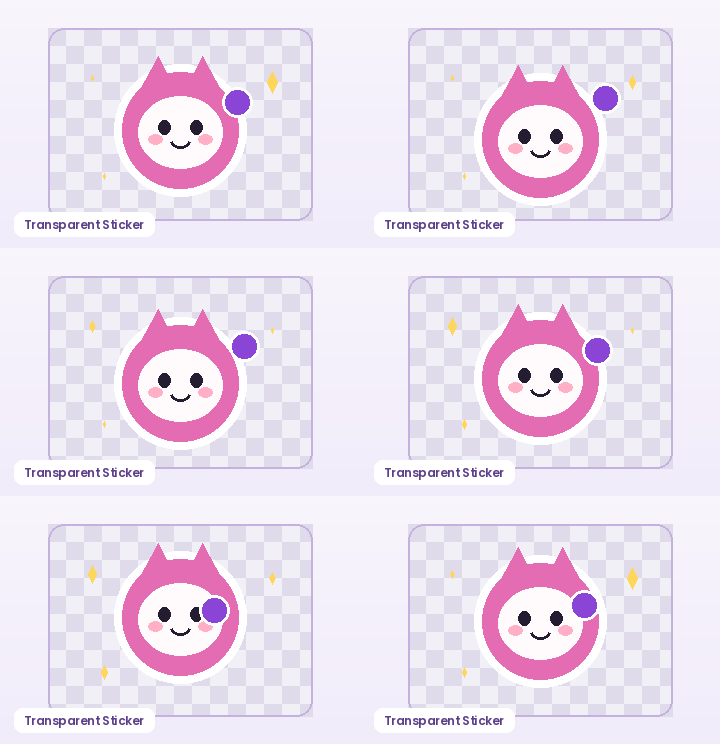
Turn solid-background animations and character cutouts into true transparent GIFs that blend over dark mode and light mode chats alike. Auto-sample corner pixels or pick a custom key color, tune color tolerance, add an optional die-cut white outline, and export locally.

Background Key Mode
Die-Cut White Sticker Stroke
Max Output Size

How to Use Transparent GIF Maker in Three Steps

Fast, private, watermark-free GIF89a output directly inside modern desktop and mobile browsers.

1

Upload an animated GIF or static PNG/JPG

Drop your file into the workspace—or click Load Sample to test background removal right away.

2

Tune background color mode and tolerance

Use Auto Corner detection or pick a hex key color, then slide tolerance until the backdrop disappears cleanly on the checkerboard.

3

Add optional sticker stroke and download

Choose 0 px for raw transparency or 3–6 px for a die-cut sticker border, then export your transparent GIF.

How Transparency Works Inside the GIF89a Format

Unlike PNG24, standard GIF89a palettes store 1-bit transparency: each pixel is either 100% opaque or mapped to a designated transparent color index, and each frame must set disposal method 2 (Restore to Background) so previous frames do not leave ghost trails. GifQuill's encoder handles both palette reservation and disposal flags automatically.

How Transparency Works Inside the GIF89a Format

Corner Auto-Sampling vs. Custom Chroma Key Color

Most AI-generated sprites and reaction illustrations sit on a uniform white, pastel, or green backdrop. Auto Corner Color samples all four corners of your upload to detect the backdrop shade automatically, while Custom Color lets you target any hex color and adjust edge tolerance from 5 to 90.

Corner Auto-Sampling vs. Custom Chroma Key Color

Eliminate Jagged Halos with a Clean Die-Cut Sticker Outline

Because GIF transparency is binary rather than semi-transparent alpha, thin anti-aliased edges against dark Discord or Slack themes can look rough. Adding a 2 px to 5 px white sticker stroke wraps your subject in a crisp silhouette that reads cleanly on every chat background.

Eliminate Jagged Halos with a Clean Die-Cut Sticker Outline

Recommended GIF Dimensions, FPS & Size Targets by Platform

Matching pixel geometry, frame rate, and palette size to your destination platform prevents blurry server re-compression, black transparency fringes, and rejected uploads across chat apps and documentation tools:

Destination PlatformIdeal DimensionsRecommended FPSPalette & Size Target
Discord Custom Animated Emoji128×128 or 160×160 px (1:1)10–12 FPS96–128 colors · Under 256 KB
Discord & Slack Chat Stickers320×320 px (1:1 transparent)10–15 FPS128–192 colors · Under 500 KB
GitHub Pull Requests & Docs480–640 px wide (16:9 / 4:3)8–12 FPS128 colors · Under 2 MB
Social Reaction Memes & Replies360–480 px square or 4:512–15 FPS192–256 colors · Under 1.5 MB
Email Newsletters & Changelogs480–600 px wide8–10 FPS96–128 colors · Under 800 KB

Every export created on GifQuill uses standard compliant GIF89a Netscape 2.0 infinite looping blocks, local median-cut quantization, and zero corner watermarks so files play immediately in desktop browsers, iOS, Android, Slack, Discord, Notion, and GitHub.

Frequently Asked Questions About Transparent GIF Maker

Why do some transparent GIFs leave trails of previous frames?

Trails happen when the encoder leaves frame disposal on 'Do Not Dispose' instead of 'Restore to Background' (disposal=2). GifQuill automatically sets disposal=2 whenever transparency is active.

Can GIF files have 50% semi-transparent shadows?

No—the GIF89a specification only supports 1-bit on/off pixel transparency. To make edges look smooth across both light and dark UI themes, enable the optional white sticker outline.

Does this work on multi-frame animated GIFs as well as still images?

Yes. Every frame of an uploaded GIF is decoded, keyed with the exact same color tolerance and optional stroke, and re-encoded into a looping transparent GIF.

Are my files uploaded anywhere?

No. Background keying and GIF89a encoding happen locally inside your browser tab.