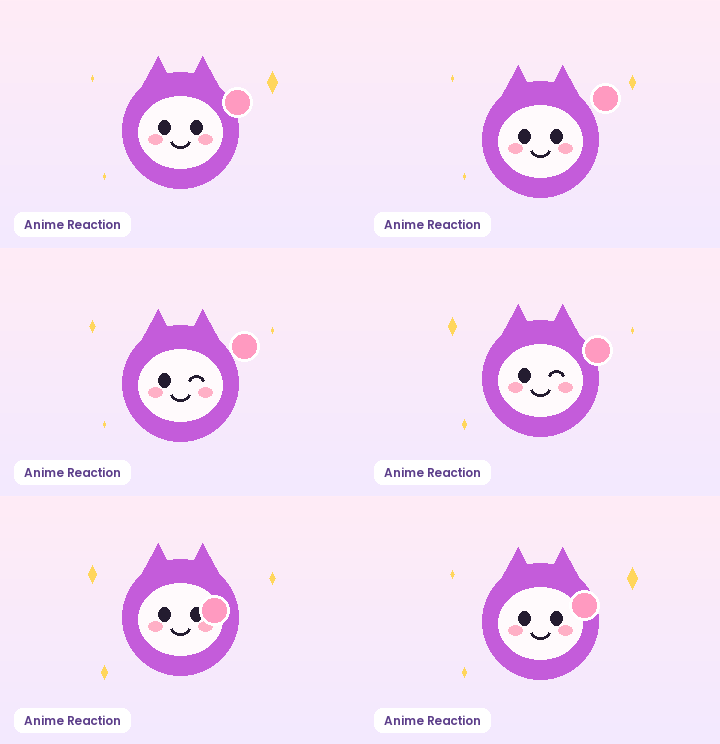
AI Text to GIF Generator

Turn a short character and motion idea into a clean, repeatable reaction loop. Use our prompt builder with copy-ready looping templates, or switch to the instant sprite-grid slicer to assemble multi-frame sheets directly in your browser.

Sheet Layout
Loop Speed & Background

100% free local browser GIF89a export · Zero watermark.

How to Use AI Text to GIF Generator in Three Steps

Fast, private, watermark-free GIF89a output directly inside modern desktop and mobile browsers.

1

Pick a single cyclic action

Describe one subject, one repeatable gesture, and a steady camera angle so the first and last frames connect naturally.

2

Select visual style and loop timing

Choose Default, Pixel, Anime, Chibi, or Cartoon framing along with 1:1, 16:9, or 9:16 proportions and target FPS.

3

Slice a frame sheet or preview loops

Test instant browser frame assembly today or review upcoming cloud AI text-to-GIF credit options.

Write Prompts Built for Seamless AI GIF Loops

Most text-to-video prompts fail as GIFs because camera pans create a jarring jump when the final frame wraps back to frame one. An effective AI text to GIF generator prompt locks the camera, isolates a single expressive action—such as waving, blinking, cheering, or typing—and specifies a clean background so palette quantization stays sharp under 256 colors.

Write Prompts Built for Seamless AI GIF Loops

Choose Aspect Ratio, Frame Pace, and Palette Budget Together

Square 1:1 canvases at 320×320 or 480×480 pixels fit Discord, Slack, GitHub pull requests, and mobile messaging threads without unexpected cropping. Keeping playback between 10 FPS and 15 FPS delivers readable motion while holding file weight well below chat upload caps.

Choose Aspect Ratio, Frame Pace, and Palette Budget Together

Assemble Multi-Frame Grids Immediately in Your Browser

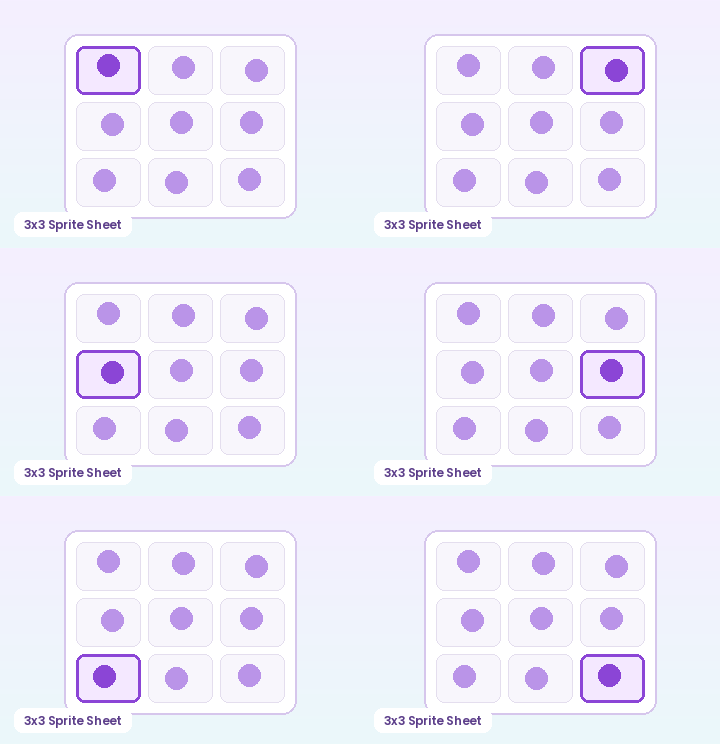
Already generated a 3×3 or 4×4 character action sheet from your favorite image model? Switch to the Sprite Sheet Slicer tab in this workspace to slice every cell in reading order, strip solid corner backgrounds automatically, and export a looping GIF89a file with zero server upload.

Assemble Multi-Frame Grids Immediately in Your Browser

Recommended GIF Dimensions, FPS & Size Targets by Platform

Matching pixel geometry, frame rate, and palette size to your destination platform prevents blurry server re-compression, black transparency fringes, and rejected uploads across chat apps and documentation tools:

Destination PlatformIdeal DimensionsRecommended FPSPalette & Size Target
Discord Custom Animated Emoji128×128 or 160×160 px (1:1)10–12 FPS96–128 colors · Under 256 KB
Discord & Slack Chat Stickers320×320 px (1:1 transparent)10–15 FPS128–192 colors · Under 500 KB
GitHub Pull Requests & Docs480–640 px wide (16:9 / 4:3)8–12 FPS128 colors · Under 2 MB
Social Reaction Memes & Replies360–480 px square or 4:512–15 FPS192–256 colors · Under 1.5 MB
Email Newsletters & Changelogs480–600 px wide8–10 FPS96–128 colors · Under 800 KB

Every export created on GifQuill uses standard compliant GIF89a Netscape 2.0 infinite looping blocks, local median-cut quantization, and zero corner watermarks so files play immediately in desktop browsers, iOS, Android, Slack, Discord, Notion, and GitHub.


Frequently Asked Questions About Text to GIF Generator

Is cloud text-to-GIF rendering live in this preview?

Cloud AI text-to-GIF rendering is in final provider integration and does not charge credits yet. Meanwhile, the multi-frame Sprite Sheet Slicer tab in this workspace runs 100% locally in your browser today with zero watermarks.

What makes a text prompt loop cleanly as a GIF?

Specify 'fixed camera', 'centered character', 'solid pastel or white background', and a cyclic motion like 'gentle wave' or 'blinking and smiling' that returns to its resting pose.

What frame rate works best for reaction GIFs?

10 to 12 FPS is the sweet spot for reaction loops and stickers. It keeps motion expressive while using roughly half the file size of a 24 FPS clip.

Are browser-exported GIFs watermarked?

Never. Every GIF exported with GifQuill's browser engine is watermark-free and stays on your device.