Image to GIF Maker

Bring still illustrations, product shots, and portraits into motion right inside your browser. Choose Instant Photo Motion to apply smooth cyclic bounce, wave, pulse, or shake animation to one image, or switch to GIF Slideshow to stitch up to 20 pictures with custom frame timing.

Cyclic Motion Style
Background Handling
Output Size

How to Use Image to GIF Maker in Three Steps

Fast, private, watermark-free GIF89a output directly inside modern desktop and mobile browsers.

1

Upload one image or a photo sequence

Drop a single PNG/JPG/WebP for cyclic motion, or select up to 20 images in the GIF Slideshow tab.

2

Set motion style, width, and frame speed

Pick Bounce, Wave, Zoom, or Shake for single photos, or dial in exact frame duration in seconds for slideshows.

3

Export a looping GIF locally

Click Export GIF to quantize and download your animation immediately in your browser with zero watermark.

Two Practical Image to GIF Workflows in One Workspace

Sometimes you have a single mascot illustration or product cutout that needs a lively cyclic bounce; other times you have a sequence of burst photos, UI screenshots, or step-by-step drawings ready to play in order. GifQuill gives you dedicated controls for both workflows without uploading your images to a remote server.

Two Practical Image to GIF Workflows in One Workspace

Instant Cyclic Motion Presets for Single Images

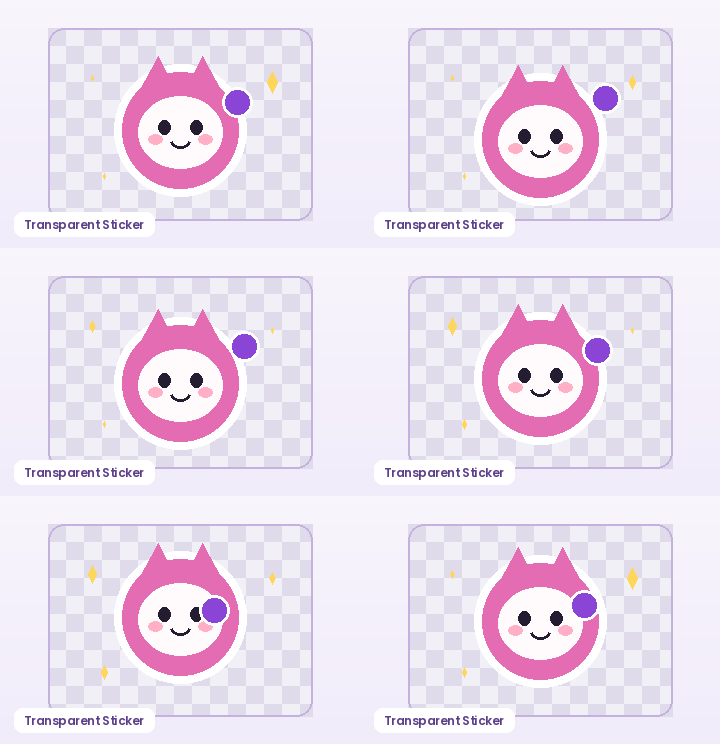
Upload any PNG, JPG, or WebP image and pick Bounce, Gentle Wave, Zoom Pulse, Excited Shake, or 360° Spin. Because every preset uses a trigonometric sine cycle across 12 frames, frame 12 flows seamlessly back into frame 1 with zero seam jump—and optional background removal exports clean transparent edges.

Instant Cyclic Motion Presets for Single Images

Multi-Photo GIF Slideshow with Exact Frame Intervals

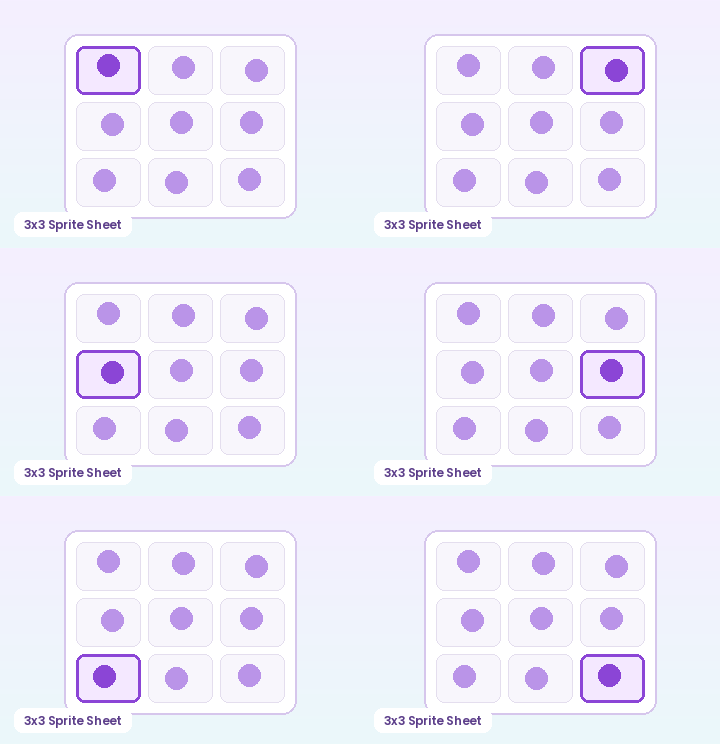
Switch to the GIF Slideshow tab to combine up to 20 images into one looping GIF. Set frame intervals from 0.05 seconds (20 FPS flipbook speed) up to 2.5 seconds per slide for product comparisons and before-and-after showcases.

Multi-Photo GIF Slideshow with Exact Frame Intervals

Recommended GIF Dimensions, FPS & Size Targets by Platform

Matching pixel geometry, frame rate, and palette size to your destination platform prevents blurry server re-compression, black transparency fringes, and rejected uploads across chat apps and documentation tools:

Destination PlatformIdeal DimensionsRecommended FPSPalette & Size Target
Discord Custom Animated Emoji128×128 or 160×160 px (1:1)10–12 FPS96–128 colors · Under 256 KB
Discord & Slack Chat Stickers320×320 px (1:1 transparent)10–15 FPS128–192 colors · Under 500 KB
GitHub Pull Requests & Docs480–640 px wide (16:9 / 4:3)8–12 FPS128 colors · Under 2 MB
Social Reaction Memes & Replies360–480 px square or 4:512–15 FPS192–256 colors · Under 1.5 MB
Email Newsletters & Changelogs480–600 px wide8–10 FPS96–128 colors · Under 800 KB

Every export created on GifQuill uses standard compliant GIF89a Netscape 2.0 infinite looping blocks, local median-cut quantization, and zero corner watermarks so files play immediately in desktop browsers, iOS, Android, Slack, Discord, Notion, and GitHub.


Frequently Asked Questions About Image to GIF Maker

Does Image to GIF upload my photos to a server?

No. Both Instant Photo Motion and Multi-Photo GIF Slideshow run 100% locally in your browser using HTML5 Canvas and GifQuill's client-side GIF89a encoder.

How many images can I combine in GIF Slideshow mode?

You can combine up to 20 JPG, PNG, or WebP images per slideshow within a 30 MB combined browser memory budget.

Can I keep a transparent background when animating a PNG?

Yes. Enable Auto Remove Solid Background or upload a transparent PNG in Photo Motion mode to export a GIF89a file with full alpha-index transparency.

What output width should I choose for fast loading?

360 px to 480 px is ideal for chat reactions and documentation embeds, while 640 px works well for wider product walkthroughs.