Consistent Frame-by-Frame Typography
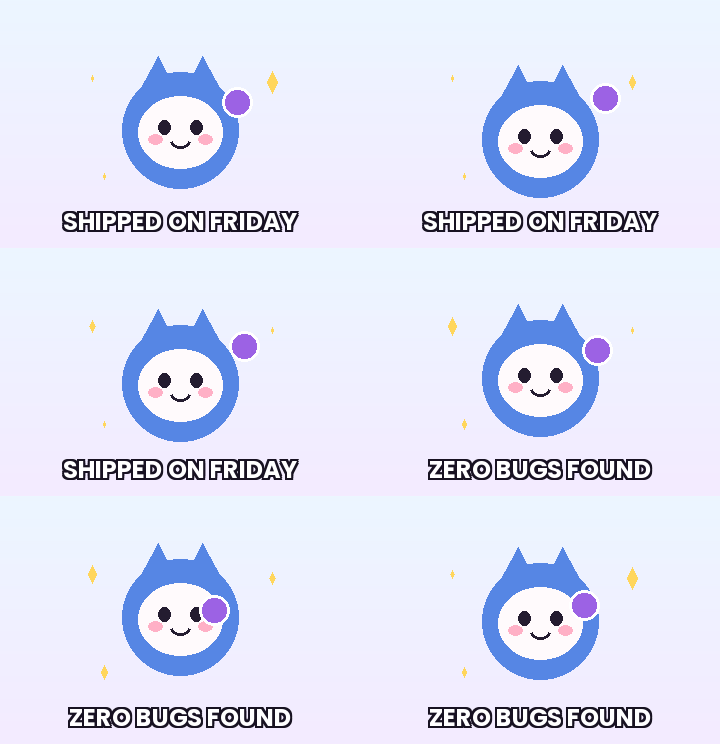
GifQuill decodes and composites every RGBA frame of your source GIF before drawing your caption at identical coordinates, preserving original per-frame timing delays from start to finish.
 GifQuill
AI GIF & Sticker Workflows
Text to GIF GeneratorImage to GIF MakerTransparent GIF MakerAI Sticker MakerMulti-Frame Grid GIFAnime GIF MakerMeme GIF GeneratorAI Face ExpressionOverlay clean, readable captions across every frame of an animated GIF—not just the first frame. Pick Top, Center, or Bottom placement, custom text color, automatic safe-width scaling, and crisp dark stroke outlines with zero watermarks.
Fast, private, watermark-free GIF89a output directly inside modern desktop and mobile browsers.
Drop your GIF file or load our sample loop in one click.
Select Top, Center, or Bottom, pick text size and color, and toggle outline stroke.
Preview the full animated result and download immediately.
GifQuill decodes and composites every RGBA frame of your source GIF before drawing your caption at identical coordinates, preserving original per-frame timing delays from start to finish.
Long captions automatically step down in pixel size so words never clip off the left or right canvas edges, while optional dark stroke outlining keeps white or yellow text legible over bright frames.
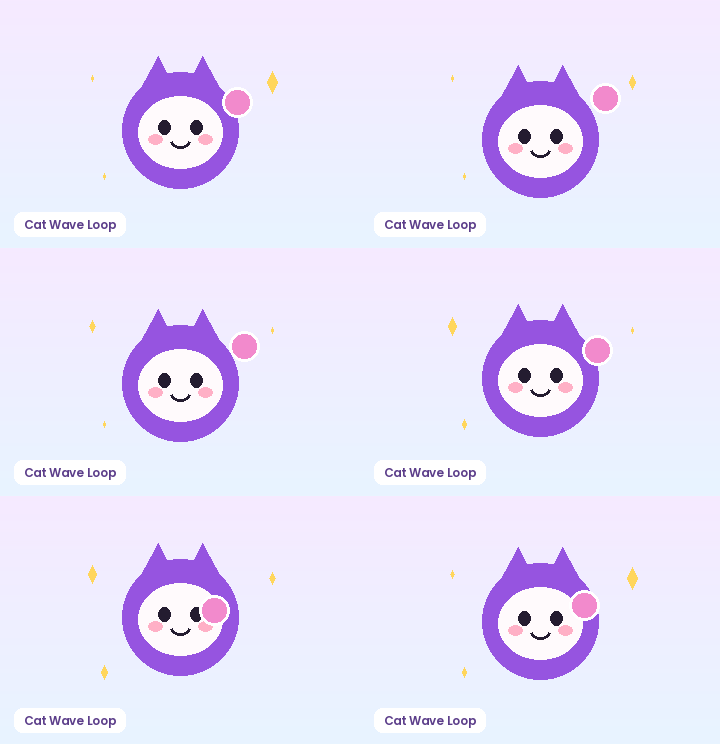
Matching pixel geometry, frame rate, and palette size to your destination platform prevents blurry server re-compression, black transparency fringes, and rejected uploads across chat apps and documentation tools:
| Destination Platform | Ideal Dimensions | Recommended FPS | Palette & Size Target |
|---|---|---|---|
| Discord Custom Animated Emoji | 128×128 or 160×160 px (1:1) | 10–12 FPS | 96–128 colors · Under 256 KB |
| Discord & Slack Chat Stickers | 320×320 px (1:1 transparent) | 10–15 FPS | 128–192 colors · Under 500 KB |
| GitHub Pull Requests & Docs | 480–640 px wide (16:9 / 4:3) | 8–12 FPS | 128 colors · Under 2 MB |
| Social Reaction Memes & Replies | 360–480 px square or 4:5 | 12–15 FPS | 192–256 colors · Under 1.5 MB |
| Email Newsletters & Changelogs | 480–600 px wide | 8–10 FPS | 96–128 colors · Under 800 KB |
Every export created on GifQuill uses standard compliant GIF89a Netscape 2.0 infinite looping blocks, local median-cut quantization, and zero corner watermarks so files play immediately in desktop browsers, iOS, Android, Slack, Discord, Notion, and GitHub.
Yes, the caption is rendered onto every frame of the animation while preserving each frame's original millisecond timing.
The renderer automatically scales down the font size until the line fits cleanly inside a 90% horizontal margin.
No. Only the text you type appears on your exported GIF.
Combine animation, background removal, cropping, captions, and Discord-ready compression in seconds.
Plan looping text-to-GIF prompts, test multi-frame sprite sheets in your browser, and prepare crisp reaction GIFs for Discord, Slack, and social chats.
GIF WorkflowAnimate a single photo with bounce, wave, zoom, or shake loops, or combine up to 20 images into an animated GIF slideshow directly in your browser.
GIF WorkflowRemove solid white, green, or custom backgrounds from GIFs and images in your browser. Export clean transparent GIF89a loops with optional sticker stroke.
GIF WorkflowCreate animated transparent stickers with white die-cut borders, cyclic bounce or wave motion, and Discord/Slack-friendly file sizes in your browser.
Browser FreeConvert MP4, WebM, and MOV clips into smooth looping GIFs right in your browser. Trim start time, clip duration, output width, and FPS with no watermark.
Browser FreeShrink animated GIF file size in your browser with Discord (<256 KB), Balanced, and Max compression presets. Tune palette colors, scale, and frame step.