Meme GIF Generator

Turn any reaction face, screenshot, or pet photo into a looping meme GIF with bold, high-contrast top and bottom captions—processed 100% locally in your browser with zero watermarks.

Reaction Motion

How to Use Meme GIF Generator in Three Steps

Fast, private, watermark-free GIF89a output directly inside modern desktop and mobile browsers.

1

Upload a reaction image or existing GIF

Drop any photo, screenshot, or GIF—or load our sample mascot to test captions immediately.

2

Type top & bottom captions and pick motion

Add your setup and punchline, then choose Zoom Pulse, Shake, Bounce, or Keep Original GIF frames.

3

Export your clean meme GIF

Preview the captioned loop and download it instantly with zero watermark.

Instant Photo-to-Meme Loop + Classic Top/Bottom Captions

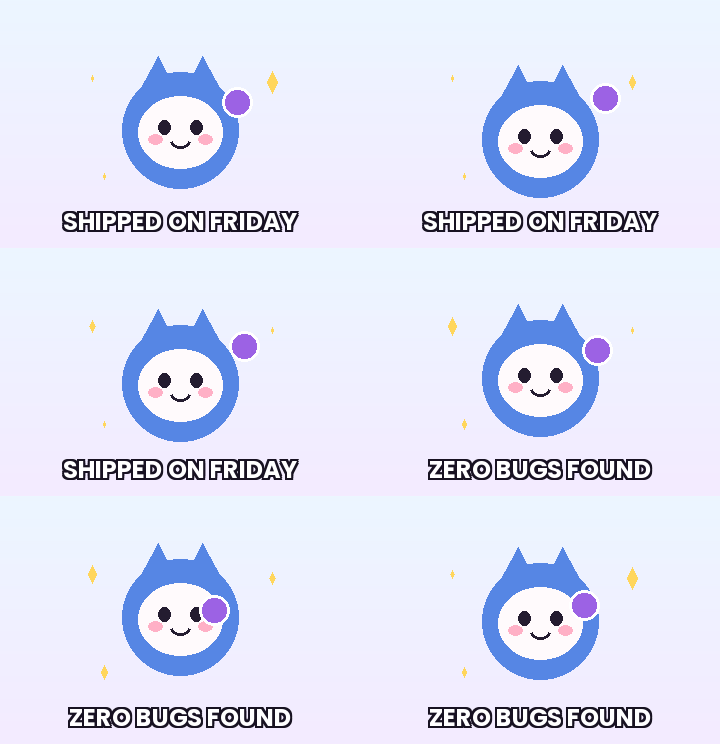
Even a static reaction photo becomes ten times punchier when paired with subtle Zoom Pulse or Excited Shake motion and crisp outlined Impact-style captions. Upload any PNG, JPG, WebP, or GIF and burn top and bottom text onto every frame in one pass.

Instant Photo-to-Meme Loop + Classic Top/Bottom Captions

Readable Captions on Every Phone and Dark-Mode Feed

GifQuill automatically scales long meme lines to fit within a 90% horizontal safe zone and renders a thick dark stroke around white lettering so punchlines stay legible over bright highlights and busy backgrounds alike.

Readable Captions on Every Phone and Dark-Mode Feed

Zero Watermark Corners on Your Punchline

Nothing ruins a reaction meme faster than a giant third-party logo stamped across the bottom-right corner. Every meme GIF exported on GifQuill is clean, unbranded, and ready for group chats, Reddit, X, or Slack.

Zero Watermark Corners on Your Punchline

Recommended GIF Dimensions, FPS & Size Targets by Platform

Matching pixel geometry, frame rate, and palette size to your destination platform prevents blurry server re-compression, black transparency fringes, and rejected uploads across chat apps and documentation tools:

Destination PlatformIdeal DimensionsRecommended FPSPalette & Size Target
Discord Custom Animated Emoji128×128 or 160×160 px (1:1)10–12 FPS96–128 colors · Under 256 KB
Discord & Slack Chat Stickers320×320 px (1:1 transparent)10–15 FPS128–192 colors · Under 500 KB
GitHub Pull Requests & Docs480–640 px wide (16:9 / 4:3)8–12 FPS128 colors · Under 2 MB
Social Reaction Memes & Replies360–480 px square or 4:512–15 FPS192–256 colors · Under 1.5 MB
Email Newsletters & Changelogs480–600 px wide8–10 FPS96–128 colors · Under 800 KB

Every export created on GifQuill uses standard compliant GIF89a Netscape 2.0 infinite looping blocks, local median-cut quantization, and zero corner watermarks so files play immediately in desktop browsers, iOS, Android, Slack, Discord, Notion, and GitHub.

Frequently Asked Questions About Meme GIF Generator

Can I add captions to an existing multi-frame GIF as well as a static photo?

Yes. If you upload an existing GIF, you can keep its original animation frames or use Add Text to GIF; if you upload a static photo, GifQuill generates a 12-frame cyclic motion loop with your captions.

Does GifQuill add a watermark to meme exports?

Never. Exported meme GIFs have zero watermarks or corner badges.

What file size should I aim for when posting memes in Slack or Discord?

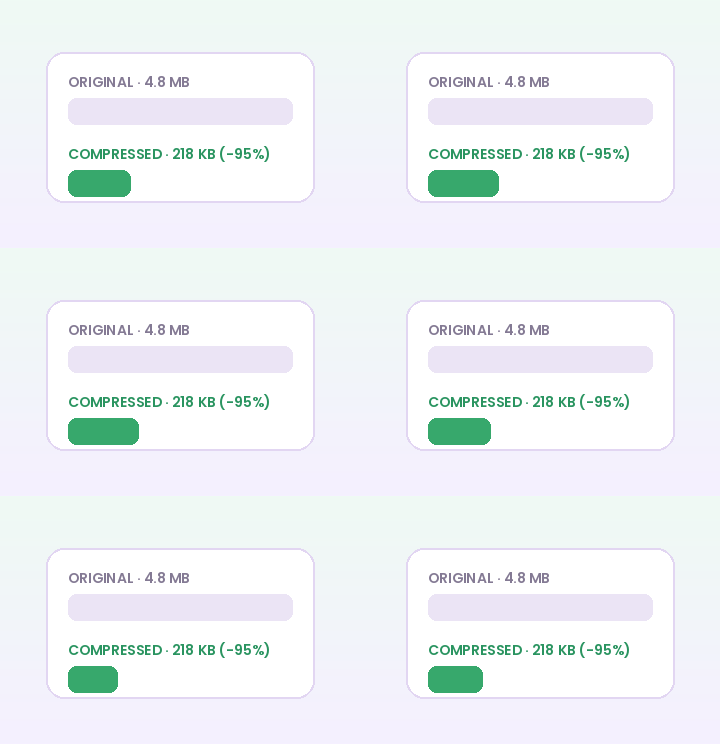
Keep output width at 360 px or 480 px so 12-frame meme loops stay around 150 KB to 450 KB and play instantaneously.